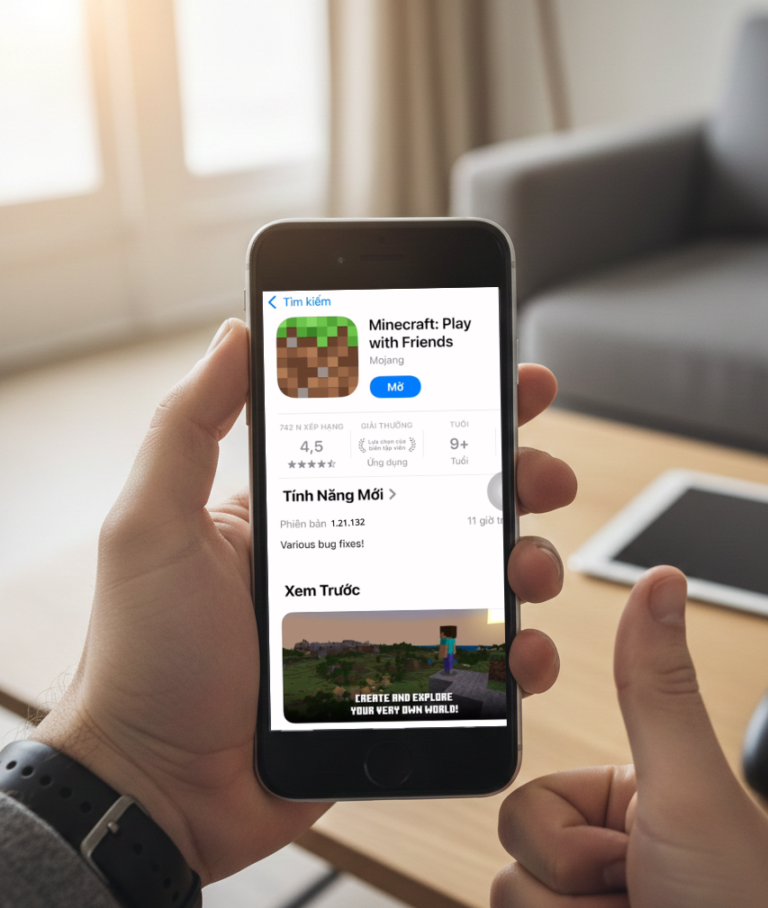
Sharing an Apple ID allows iOS users to access a wide range of apps and games that are already installed, without needing to modify the system or perform complicated steps. The account comes with Minecraft along with many other premium utilities and applications.
With just a few steps to sign in to the App Store, you can:
- ✔️ Experience popular licensed games
- ✔️ Try out many premium iOS applications
- ✔️ Receive regular updates with new content added monthly
- ✔️ Use easily without requiring any device jailbreak.
List of Apple IDs for Downloading Minecraft & Paid Applications
TAll accounts are regularly updated on MiniMeo. During use, if one Apple ID encounters an issue, please switch to another account in the list and try again.
👉 If you encounter any of the following situations:
- Incorrect password
- Verification code required
- Account temporarily locked
Please wait about 30 minutes to 1 hour, then return and try signing in again later.
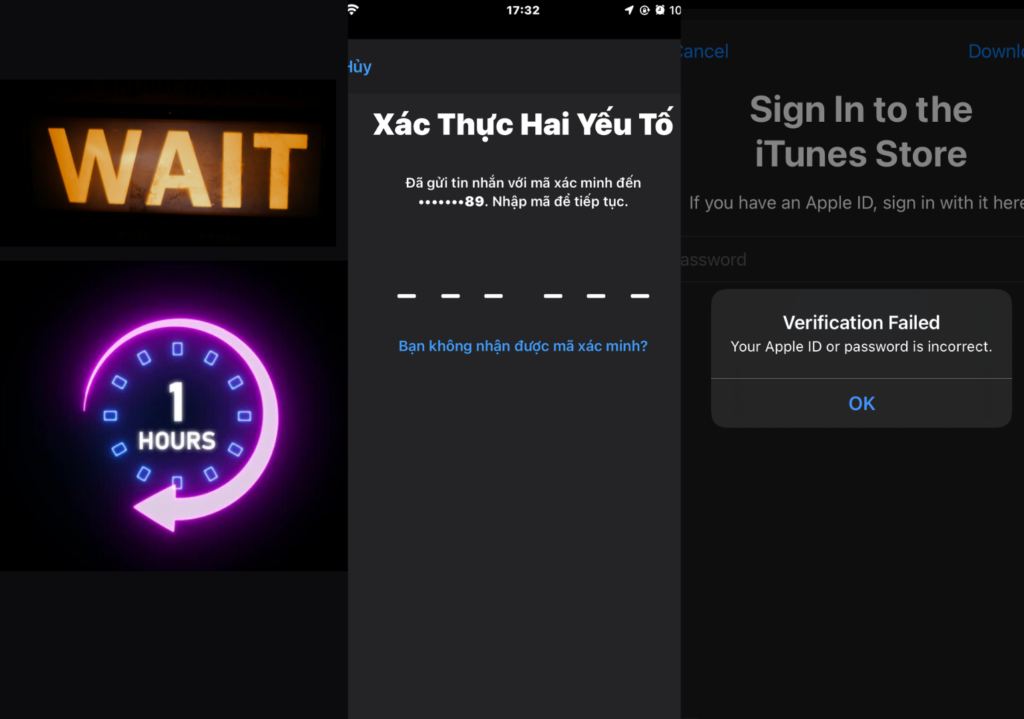
⏳ Since each account has a limited number of sign-in attempts, trying the Apple IDs one by one is necessary if an issue occurs.
Important Notes When Using Shared Apple IDs
✅ Only sign in within the App Store. Do NOT sign in to iCloud in the Settings app to avoid the risk of device lock.
🔒 Do not modify any account information such as the password, email, or security details.
⏳ If you encounter errors like “Account locked,” “Verification required,” or “Incorrect password”:
- Wait 30–60 minutes and try again
- Or switch to another Apple ID
🛑 Do not use the account to purchase in-app items or link it to external services.
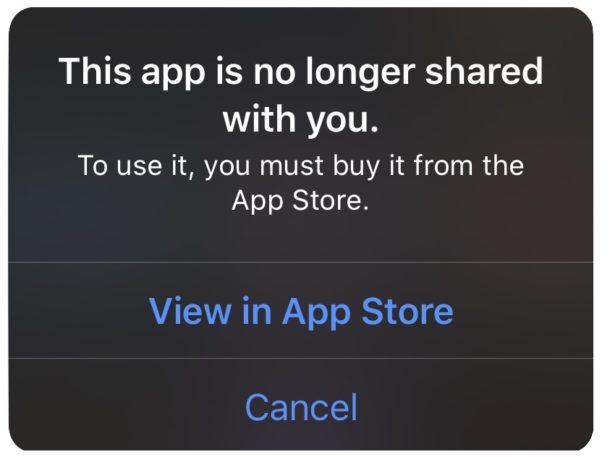
📵 After downloading the desired apps or games, you should sign out of the App Store to ensure safety.
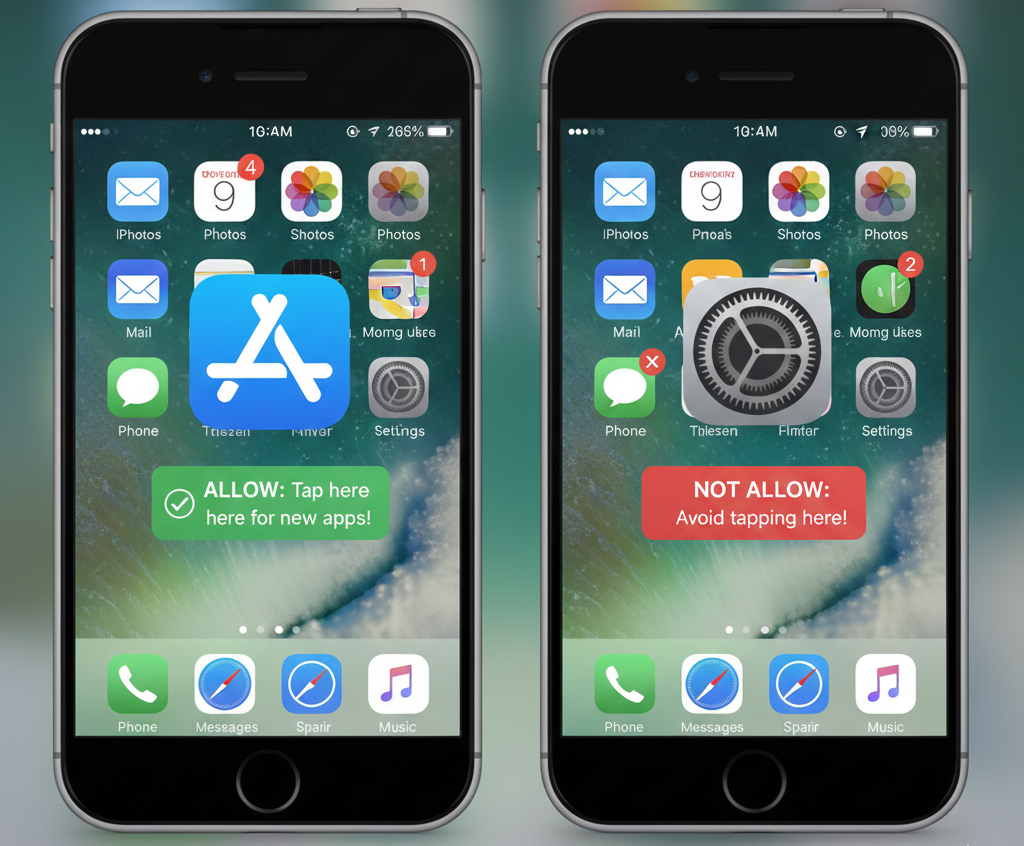
Account Active Time Window
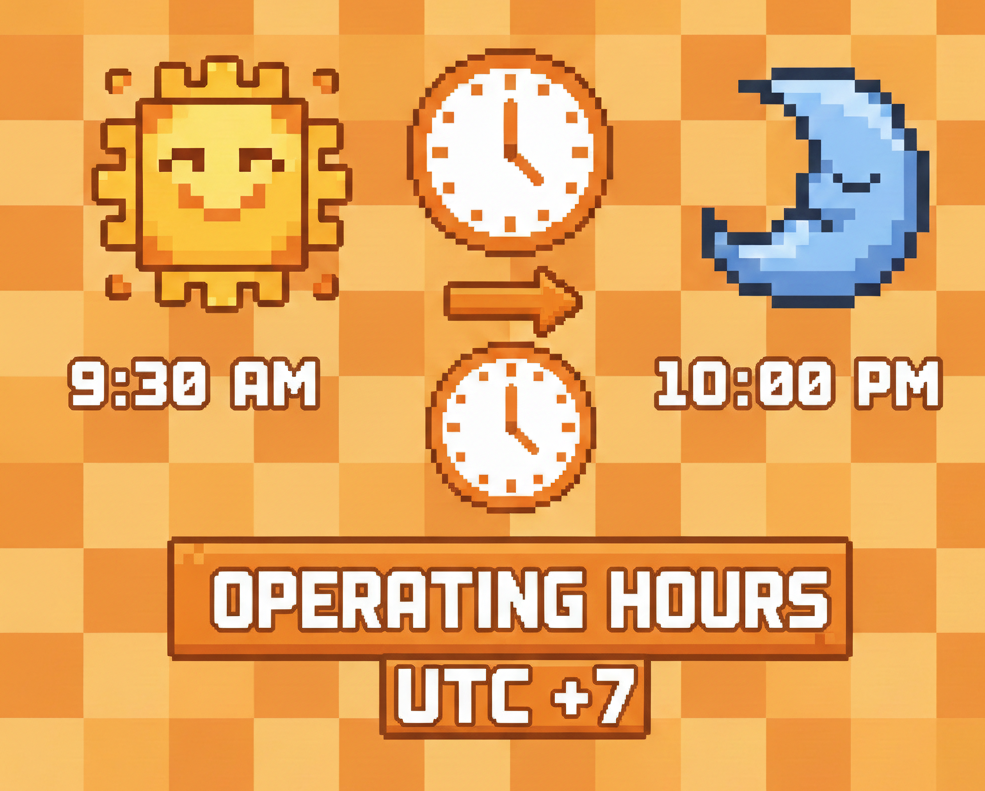
⏰ The account is only available from 9:30 AM to 10:00 PM each day.
Signing in outside this time frame may cause issues such as verification requests, inability to download apps, or incorrect password errors.
📖 Please read the entire guide carefully before use.
MiniMeo is not responsible for any issues that arise if users do not follow the instructions correctly.
⚠️ This is a shared account with a large number of users, so the admin cannot provide individual support (please do not message the admin privately).
🕐 If you encounter an error, please be patient and wait about 1 hour for the system to refresh and update if needed.
🎯 Successful login depends on timing and the number of active users — thank you for your understanding and please try again multiple times.
Usage Rules:
- Do not add a phone number or email to the account
- Sign out immediately after finishing downloads so others can continue using it
- Use the account responsibly and respectfully
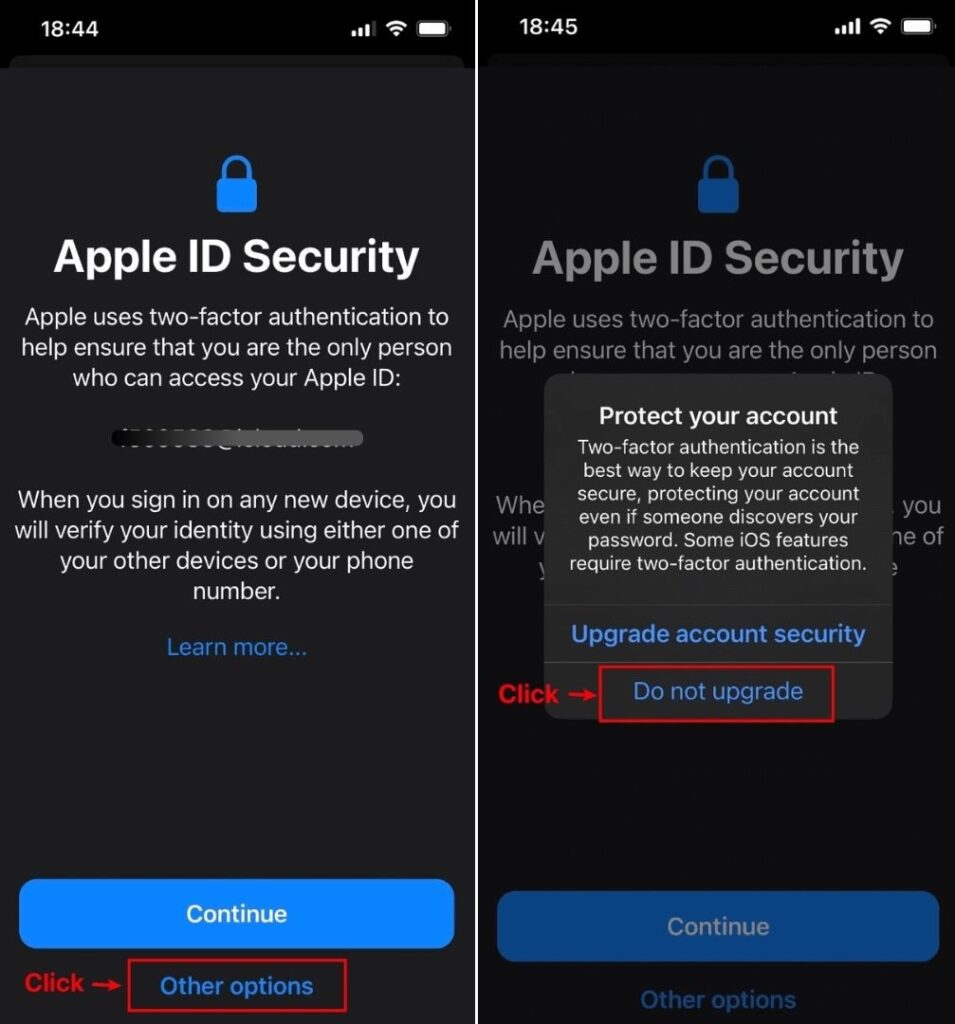
You can watch the detailed guide in this video: Safe Apple ID Login Instructions.
The list of accounts is continuously updated on MiniMeo.
End
We hope the shared Apple ID list above helps you easily download the official Minecraft version and many paid applications.
👉 Please use the accounts responsibly, read the instructions carefully, and follow all guidelines to avoid affecting other users.
📥 Accounts are regularly updated on MiniMeo — be sure to check back for more HOT games and apps!
Good luck, and have a great time enjoying your experience! 🎮✨

Bình luận của bạn